
Boulders
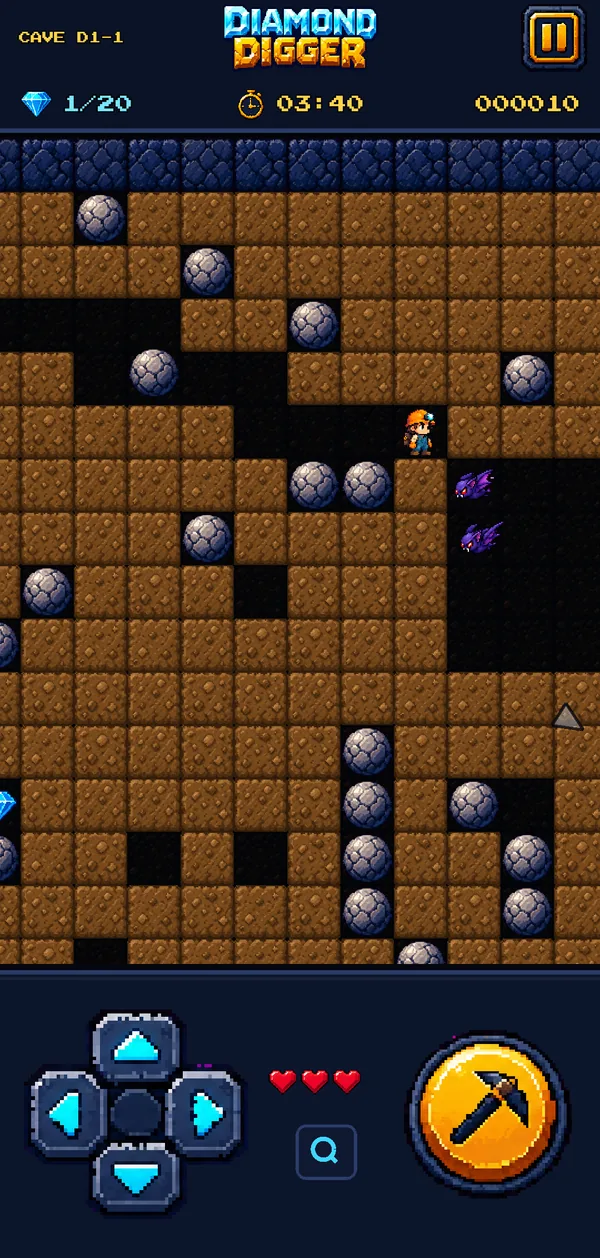
Heavy, round and always ready to fall. Push one sideways to block a creature, drop one on a firefly, or get flattened standing in the wrong spot.
Retro cave-digging game for iPhone, iPad & Android

Dig through the earth, grab the glittering diamonds and race for the exit before the clock runs out, while boulders tumble, gems cascade and fireflies close in. Thirty hand-made caves of pixel-art mayhem, made for your phone.

How to play
Every cave is a little physics puzzle against the clock. The rules take a minute to learn, and every hole you dig changes what happens next.
Drag anywhere on the cave and Digby tunnels through the earth. A floating joystick follows your thumb, or use the classic D-pad.
Each cave needs a set number of diamonds to open the exit. Grab extras for a higher score and a bonus star.
Step 3
Boulders and diamonds fall the moment the ground beneath them is gone, and roll off anything round. Dodge them, or use them.
 Step 4
Reach the glowing exit before the timer runs out. Finish fast and keep the extra diamonds to earn all three stars.
Meet the cave
Each cave mixes a few of these together. Learn how they behave and you can turn every one of them to your advantage.
Heavy, round and always ready to fall. Push one sideways to block a creature, drop one on a firefly, or get flattened standing in the wrong spot.
They follow the tunnel walls and explode on contact. Time your move as they pass, or crush one under a rock to blast a hole in the cave.
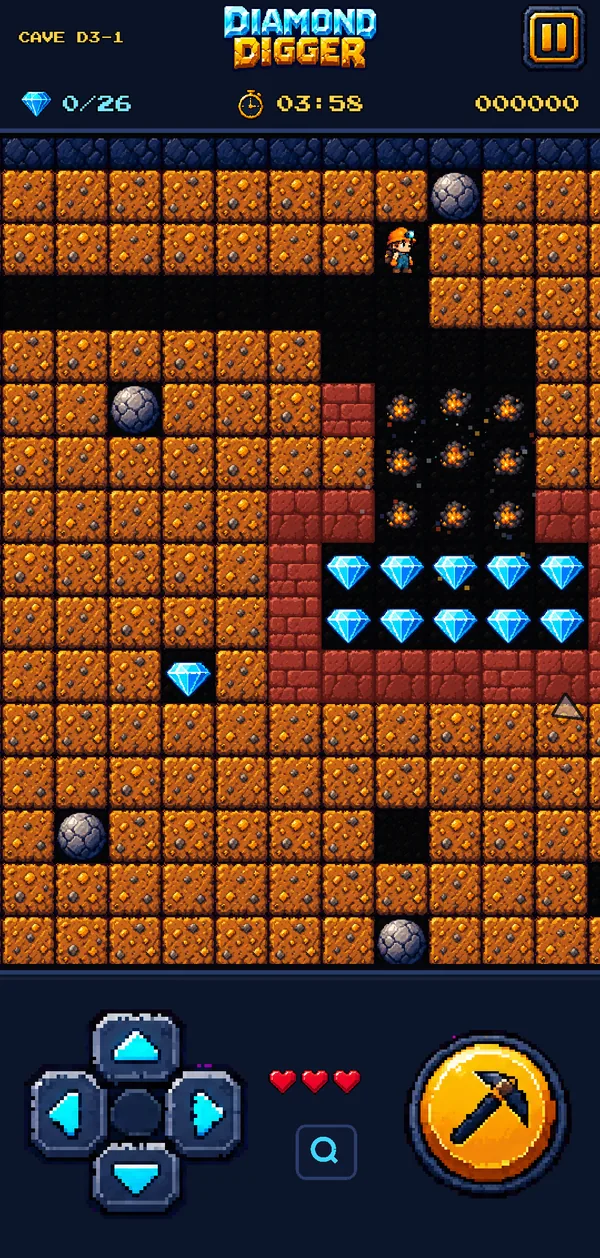
Dangerous to touch, but drop a boulder on one and it bursts into nine sparkling diamonds.

It grows into every open space. Trap it and it hardens into diamonds; let it grow too big and it turns to stone.

Drop a boulder through a shimmering magic wall and a diamond falls out the other side, but only while the magic lasts.
They fall and roll just like boulders, so a careless dig can send a whole cascade of gems straight onto Digby's hard hat.
Finish the Diamond Mine and a second mine opens up: 10 enormous caves, up to four times the size, with four new ways to win or lose. Free, like everything else.
They flap through open tunnels and hunt Digby when he gets close. Outrun them, or crush one and it bursts into nine diamonds.
Drop one and it blows a hole through brick walls. Line them up and one spark sets off the whole chain.


Red, green and blue doors seal off parts of the cave. Find the matching key to open the way to the diamonds and the exit.

Walls that grow sideways into any empty space. Dig a side tunnel and it fills in behind you.
Why you'll love it
30 caves designed and tested one by one, from a gentle first dig to sprawling Deep Mine labyrinths, each with 5 difficulty levels.
Three stars per cave for finishing, extra diamonds and speed. Chase your best score on every cave and level.
A joystick wherever your thumb lands, a classic D-pad, a DIG button, plus keyboard and game controller support.
Play one-handed in portrait or turn your phone for a wider view. Rotate any time without pausing. Looks great on iPad and tablets too.
Modern takes on classic 8-bit sounds with deep bass, a cave soundtrack, diamond combo chimes and haptic feedback.
Never during play. Watch a video only if you want extra time or a second chance, or remove the ads between caves with one purchase.
Screenshots
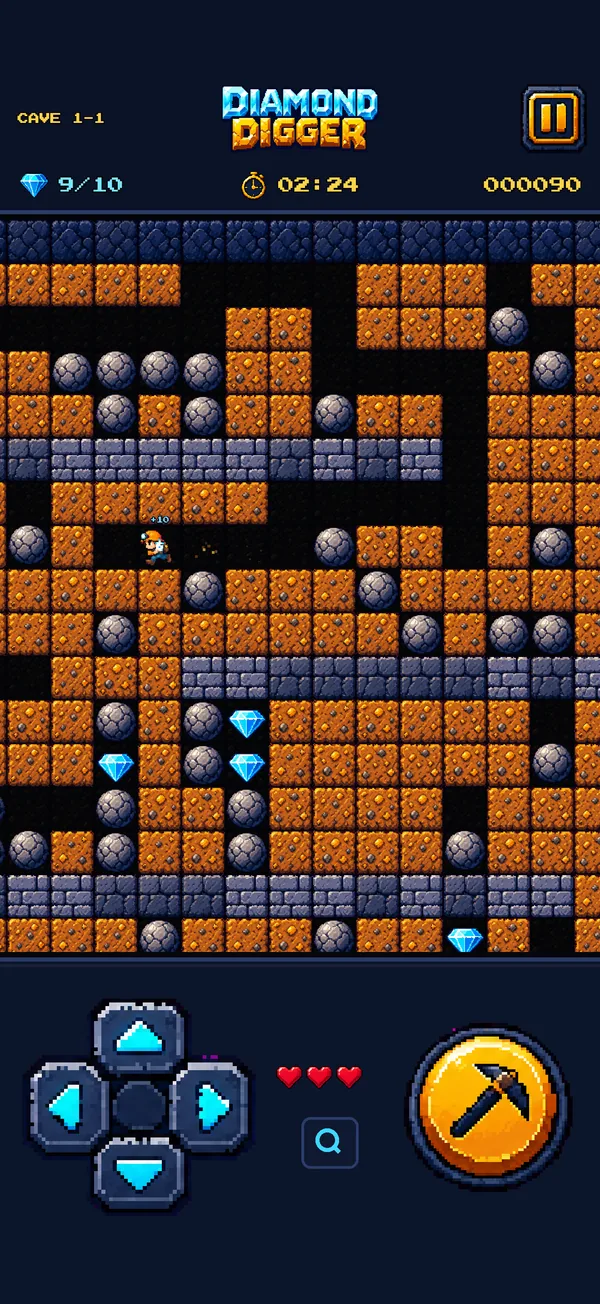
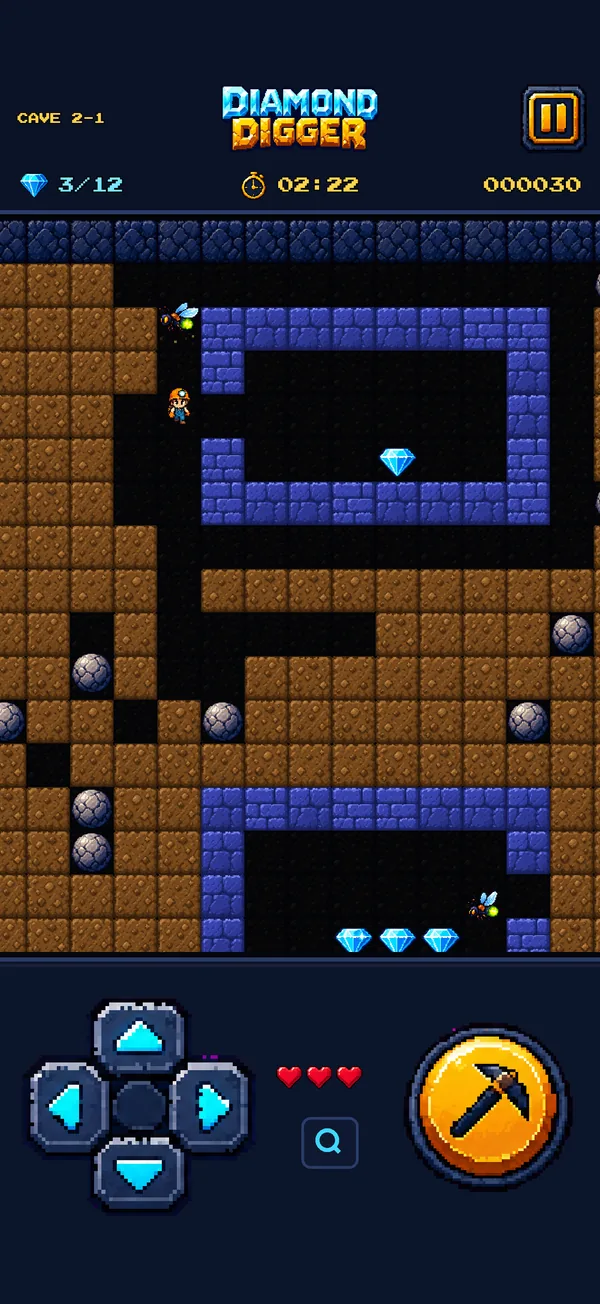
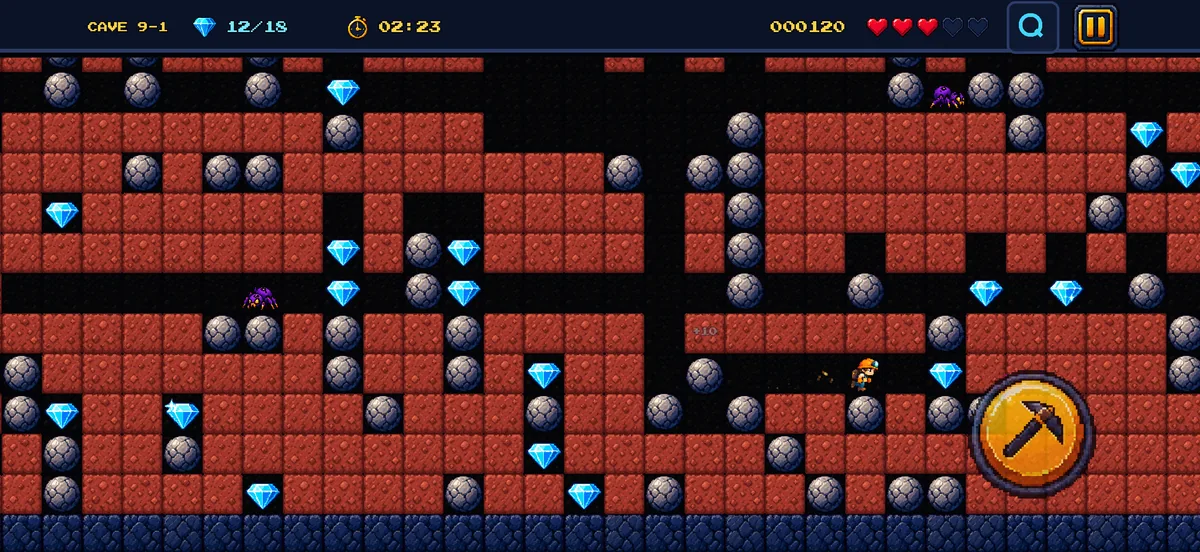
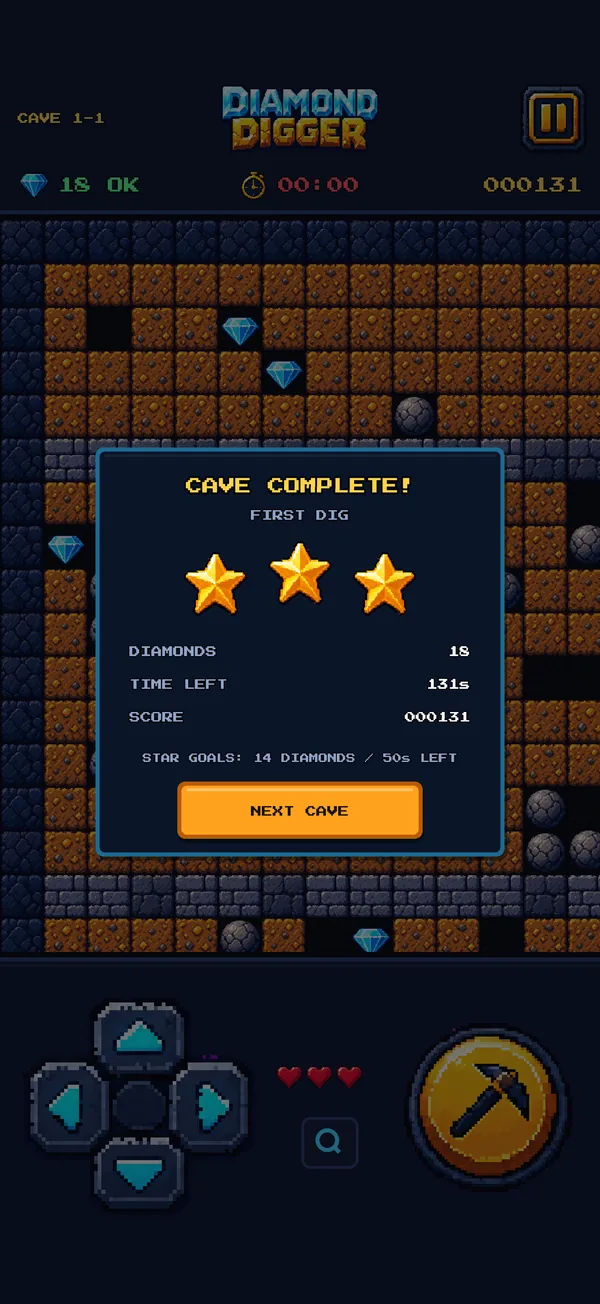
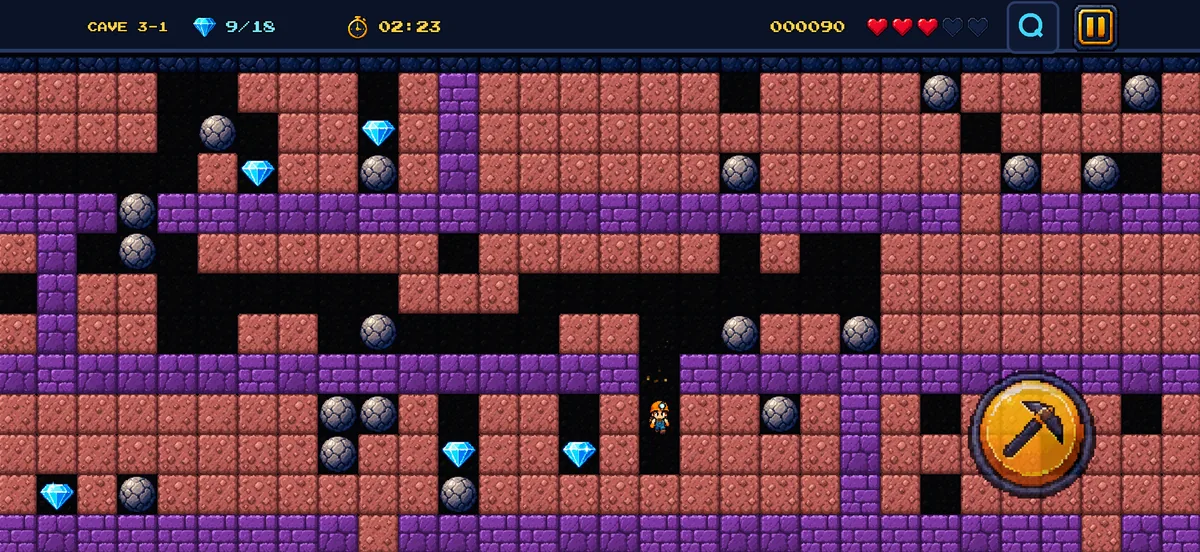

Diamond Digger is coming soon to iPhone, iPad and Android. Free to play, no account needed, and the caves are waiting.
FAQ
Diamond Digger is a retro pixel-art cave-digging game for iPhone, iPad and Android, made by In-Detail in Johannesburg, South Africa. You guide Digby the miner through 30 hand-made caves: dig through the earth, collect enough diamonds to open the exit, and escape before time runs out, while boulders fall, gems tumble and cave creatures close in. It is inspired by the classic 1980s home-computer cave-digging games, rebuilt for touch screens with modern sound and smooth animation.
Yes. Diamond Digger is free to download and every cave can be played for free. There are no ads while you play a cave. The game shows optional reward videos (watch one for 30 extra seconds or to continue after game over) and an occasional ad between caves. A one-time Remove Ads purchase switches off the ads between caves for good; the optional reward videos stay available.
Diamond Digger is coming soon to the Apple App Store and Google Play. The download buttons on this page will link straight to the stores as soon as the game is live.
iPhone and iPad with iOS 15 or later, and Android phones and tablets with Android 7.0 or later. You can play upright or turn your device sideways for a wider view of the cave, and the layout scales up on tablets.
Drag anywhere on the cave to move Digby (a joystick appears under your thumb), or use the D-pad. Digby digs through earth as he walks. Collect the number of diamonds shown at the top of the screen to open the exit, then reach it before the timer hits zero. Boulders and diamonds fall when the ground beneath them is dug away and roll off rounded objects, so think before you dig. Hold the DIG button and pick a direction to dig or grab something next to you without moving.
There are 30 caves in two mines: the Diamond Mine (16 caves and 4 bonus caves) and the bigger Deep Mine (8 caves and 2 bonus caves). Every cave has 5 difficulty levels, and you can earn up to 3 stars per cave for finishing it, collecting extra diamonds and beating the time target.
The Deep Mine is the second set of 10 caves, free to play, which opens once you finish the Diamond Mine. Its caves are much larger and add four new features: cave bats that hunt Digby, powder kegs that explode and set each other off, coloured keys and locked doors, and living rock that grows into any space you leave open.
Yes. Diamond Digger plays fully offline. An internet connection is only used to load the optional ads and to check or restore the Remove Ads purchase.
The game keeps your progress, scores and settings on your device only; we do not run accounts or servers for the game. The ads come from Google AdMob, which may use your device's advertising identifier and IP address to show and measure ads, subject to the choices you make in the game. Full details are in the privacy policy.
Diamond Digger has cartoon peril (creatures explode and Digby can be squashed by a boulder) but no blood, gore or bad language. It is made for a general audience rather than specifically for young children, and the ads are limited to content suitable for a general audience.
Install Diamond Digger with the same Apple ID or Google account you used to buy it, open Settings from the title screen and tap RESTORE.
Diamond Digger is a What If project by In-Detail Advertising CC, an advertising and digital agency in Bedfordview, Johannesburg, South Africa. For help, feedback or ideas for new caves, email hello@in-detail.com.